


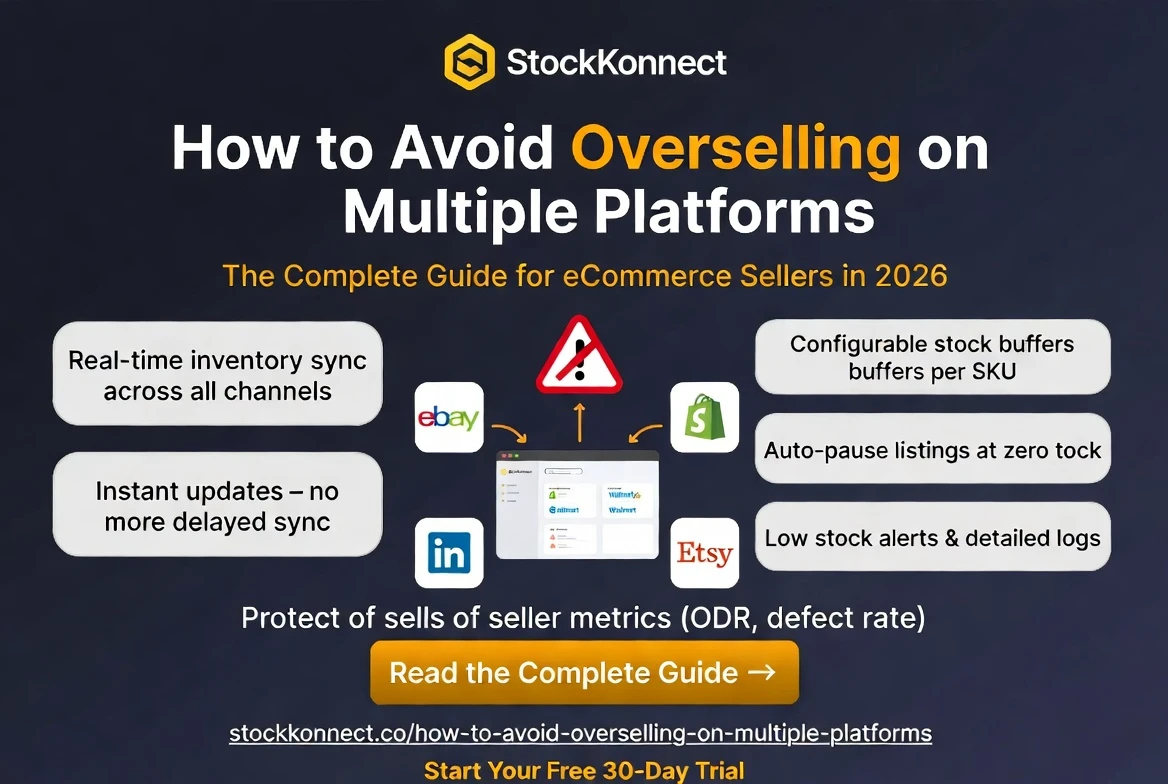
You’ve just sold a product on eBay. Great news, except that the same item was sold on Amazon five minutes ago, and you only had one unit in stock. Now you have two unhappy customers, two cancellations, and two strikes against your seller metrics. This is overselling, and it is one of the most damaging and frustrating problems in multichannel eCommerce.
Table of Contents
ToggleThe good news? Overselling is entirely preventable with the right inventory management processes and inventory management software. In this guide, we’ll explain exactly what overselling is, why it happens in multichannel ecommerce operations, the serious impact it can have on inventory accuracy, customer experience, and marketplace performance, and most importantly, the proven strategies and inventory synchronization solutions businesses use to prevent overselling across multiple platforms.
What Is Overselling?
Overselling occurs when a seller accepts more orders for a product than they have available stock to fulfil. In a multichannel context, this typically happens when the same item is listed and sold on two or more platforms simultaneously, but the inventory levels between those platforms are not synchronised quickly enough.
For example:
- You have 1 unit of a product listed on both Amazon and eBay
- A customer buys it on Amazon at 2:00 pm
- Before your inventory updates, a second customer buys it on eBay at 2:03 pm
- You now have 2 orders, but only 1 item; you must cancel one order
This three-minute window is all it takes to create a serious problem for your business. And if your inventory sync runs every 15 or 30 minutes as many basic tools do the risk window is far larger.
Why Does Overselling Happen?
Understanding the root causes of overselling helps you address them at the source. The most common causes are:
1. No Inventory Synchronisation
The most common cause. Sellers who manage stock manually or use separate tools for each channel have no automated way to keep stock levels aligned. The moment a sale happens on one platform, the other platforms have no idea.
2. Delayed Sync Intervals
Even sellers using inventory software can oversell if their tool only syncs every 15, 30, or 60 minutes. During high-traffic periods like flash sales, peak seasons, or viral product moments, multiple sales can happen within minutes well within that sync delay window.
3. Human Error in Manual Stock Management
Sellers who update stock counts manually via spreadsheets or individual platform dashboards are one missed update away from an oversell. With dozens or hundreds of SKUs across multiple channels, mistakes are inevitable.
4. No Buffer Stock Settings
Listing your last available unit on every channel simultaneously is high-risk. Without a stock buffer where you hold back a unit or two from live listings you’re always on the edge of an oversell.
5. Returns Not Processed Back into Stock
When a customer returns an item and it’s added back to your warehouse, that stock needs to be reflected across all your channels. If returns aren’t handled within your inventory system, your live stock counts will always be inaccurate.
The Real Consequences of Overselling
Overselling is not just a minor inconvenience. The knock-on effects can seriously damage your eCommerce business:
Amazon Account Health Damage
Amazon tracks your Order Defect Rate (ODR), Cancellation Rate, and Late Shipment Rate. A single oversell that leads to a cancellation negatively impacts all three. If your ODR climbs above 1%, Amazon can suspend your selling account sometimes permanently.
eBay Seller Performance Penalties
eBay’s seller performance metrics include transaction defect rate and cancellation rate. Overselling-related cancellations push these metrics in the wrong direction, risking demotion from Top Rated Seller status and reduced listing visibility in eBay search results.
Negative Reviews and Feedback
Customers who place an order and then receive a cancellation are understandably frustrated. Many will leave negative feedback, which permanently affects your seller rating and makes future buyers less likely to trust your store.
Lost Revenue and Wasted Advertising Spend
Every cancelled order is lost revenue. If you’re running paid advertising on Amazon Sponsored Products or eBay Promoted Listings, you’ve also paid to acquire a customer you couldn’t serve wasting your ad budget entirely.
Customer Trust Erosion
In eCommerce, trust is everything. A buyer who experiences an oversell cancellation is unlikely to return. In a world where customer lifetime value drives profitability, losing a customer to a preventable operational error is a costly mistake.
Overselling Risks vs Stock Konnect Solutions
Here’s a direct breakdown of the most common overselling scenarios and how Stock Konnect eliminates each one:
| Overselling Risk | Impact on Your Business | How Stock Konnect Fixes It |
|---|---|---|
| Selling same item on 2 channels | Order cancellation + negative review | Real-time sync prevents double sale |
| Delayed stock updates | Window for overselling opens | Instant sync — no delay window |
| Manual stock management | Human error leads to wrong quantities | Fully automated no manual input |
| No low stock alerts | Runs out unnoticed, orders still placed | Automatic low stock notifications |
| Stock not updated on sale | Amazon ODR / eBay metrics damaged | Listings auto-paused at zero stock |
7 Proven Strategies to Prevent Overselling on Multiple Platforms
Strategy 1: Use Real-Time Inventory Synchronisation
This is the single most important step you can take. Real-time inventory sync means the moment a sale is recorded on any channel, your stock levels update across every other connected platform instantly no delay, no manual action required.
Stock Konnect’s automatic sync feature does exactly this. The moment an order comes in on Amazon, eBay, Shopify, Walmart, Etsy, or WooCommerce, every other channel updates immediately. The risk window closes to virtually zero.
Strategy 2: Set Stock Buffer Levels
A stock buffer means you hold back a certain number of units from your live listings. For example, if you have 10 units, you might set your live quantity to 8, keeping 2 in reserve. This protects you during high-demand bursts when multiple orders arrive simultaneously before your sync can catch up.
Most experienced multichannel sellers set buffers of 1–3 units depending on their order velocity. Stock Konnect allows you to configure buffer levels per SKU or across your entire catalogue.
Strategy 3: Centralise All Inventory in One System
Managing stock in separate tools for each channel or worse, in spreadsheets is a recipe for overselling. A centralised inventory management system like Stock Konnect becomes your single source of truth for every SKU across every platform.
Strategy 4: Automate Low Stock Alerts
You should never be surprised by a stockout. Automated low stock alerts notify you when a product drops below a threshold you define, giving you time to reorder before you run out completely. This prevents a scenario where zero-stock items remain live on your channels.
Strategy 5: Auto-Pause Listings at Zero Stock
Even with real-time sync and buffers in place, it’s worth having a safety net: when stock hits zero, your listings should automatically pause or go out of stock across all channels. This prevents any possibility of a customer purchasing an item you cannot fulfil.
Strategy 6: Reconcile Inventory Regularly
Even with automation, periodic stock reconciliation keeps your data accurate. Compare your physical warehouse stock against your system records monthly. Stock Konnect’s stock logs and inventory reports make this reconciliation process fast and straightforward.
Strategy 7: Process Returns into Your Inventory System
Every return that arrives back at your warehouse should be processed through your inventory system immediately. If a returned item is resellable, add it back to your stock count and let your OMS push the updated quantity to all live listings automatically.
How Stock Konnect Eliminates Overselling for Multichannel Sellers
Stock Konnect is built from the ground up to solve the overselling problem for multichannel eCommerce sellers. Here’s exactly how it works:
- Instant inventory sync: The moment a sale is made on any connected channel Amazon, eBay, Shopify, WooCommerce, Walmart, or Etsy stock levels update across all other channels in real time.
- Centralised stock control: One dashboard shows your live stock levels across every channel simultaneously no logging in and out of multiple platforms.
- Stock logs: Every stock movement across every channel is automatically recorded, giving you a complete audit trail.
- Buffer stock configuration: Set reserve quantities per SKU to protect yourself during high-demand periods.
- Inventory reports: Regular reporting gives you full visibility into stock health, so stockouts never catch you off guard.
- Multi-warehouse support: If you operate from multiple locations, Stock Konnect keeps track of stock across all your warehouses in one unified view.
Frequently Asked Questions
1. What is overselling in eCommerce?
Overselling in eCommerce occurs when a seller receives more orders than they have stock available to fulfil. It most commonly happens when the same product is listed across multiple sales channels without real-time inventory synchronisation.
2. How does inventory sync prevent overselling?
Real-time inventory sync means that the moment a product sells on one platform, the available quantity automatically updates on all other connected platforms. This eliminates the window of time where the same item could be purchased twice.
3. Will overselling get my Amazon account suspended?
Repeated overselling that leads to order cancellations can seriously damage your Amazon account health. Amazon monitors your Order Defect Rate (ODR) and Cancellation Rate closely. If these metrics exceed Amazon’s thresholds, your account can be suspended or even permanently closed.
4. Can overselling affect my eBay Top Rated Seller status?
Yes. eBay’s Top Rated Seller status is based on seller performance metrics including transaction defect rate and cancellation rate. Overselling-related cancellations directly damage these metrics and can result in losing Top Rated status, which reduces your listing visibility and discount on final value fees.
5. What is a stock buffer and should I use one?
A stock buffer is a reserve quantity you hold back from your live listings. For example, if you have 5 units, you might list only 4, keeping 1 in reserve. This protects against overselling during the brief moment between a sale occurring and your inventory sync updating all channels. Most multichannel sellers with high order volumes benefit significantly from using stock buffers.
Stop Overselling for Good – Start with Stock Konnect
Overselling is entirely preventable but only if you have the right tools in place. Stock Konnect’s real-time inventory sync, centralised stock control, and automated buffer management eliminate the risk of overselling across all your channels, permanently.
Join hundreds of UK and US multichannel sellers who trust Stock Konnect to keep their inventory accurate, their seller metrics healthy, and their customers happy across Amazon, eBay, Shopify, WooCommerce, Walmart, and Etsy.
Try Stock Konnect free for 30 days. No credit card. No risk. No overselling.